Create and Print Reports in Evisense
Evisense’s flexible printing functionality lets you create and print reports for different uses.
You can use Evisense to:
- Create visually engaging reports to bring your students’ achievements to life.
- Add QR codes to your reports so that videos and audio can be watched and listened to on an appropriate device, i.e. mobile phone, tablet. This can be a useful feature at reviews. QR codes will only work for parents/guardians with permission to access the student's information in Evisense.
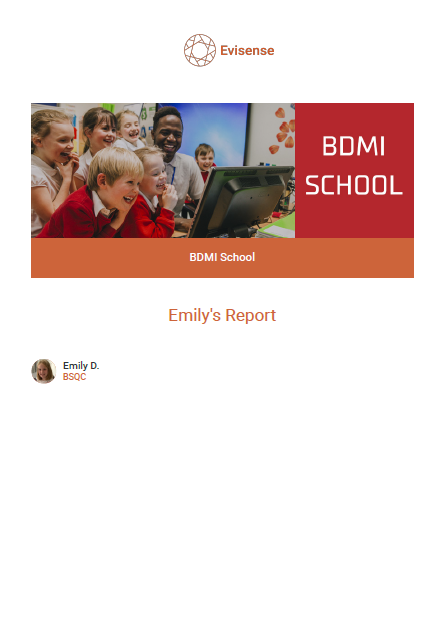
This guide takes you through the process of creating and printing reports in Evisense step by step. You can create a single report for an individual student or group. Evisense also remembers your last print filter settings in the session, making it faster to create similar reports for different students. Scroll to the bottom of this page to view a sample report.
Note: Save time generating reports for multiple students by selecting 'All students' and then the option to download each student’s report as a separate .pdf file.
View a sample report here.