
Advanced Filters
To find posts more efficiently, use the funnel icon in the top left to filter posts in your feed.
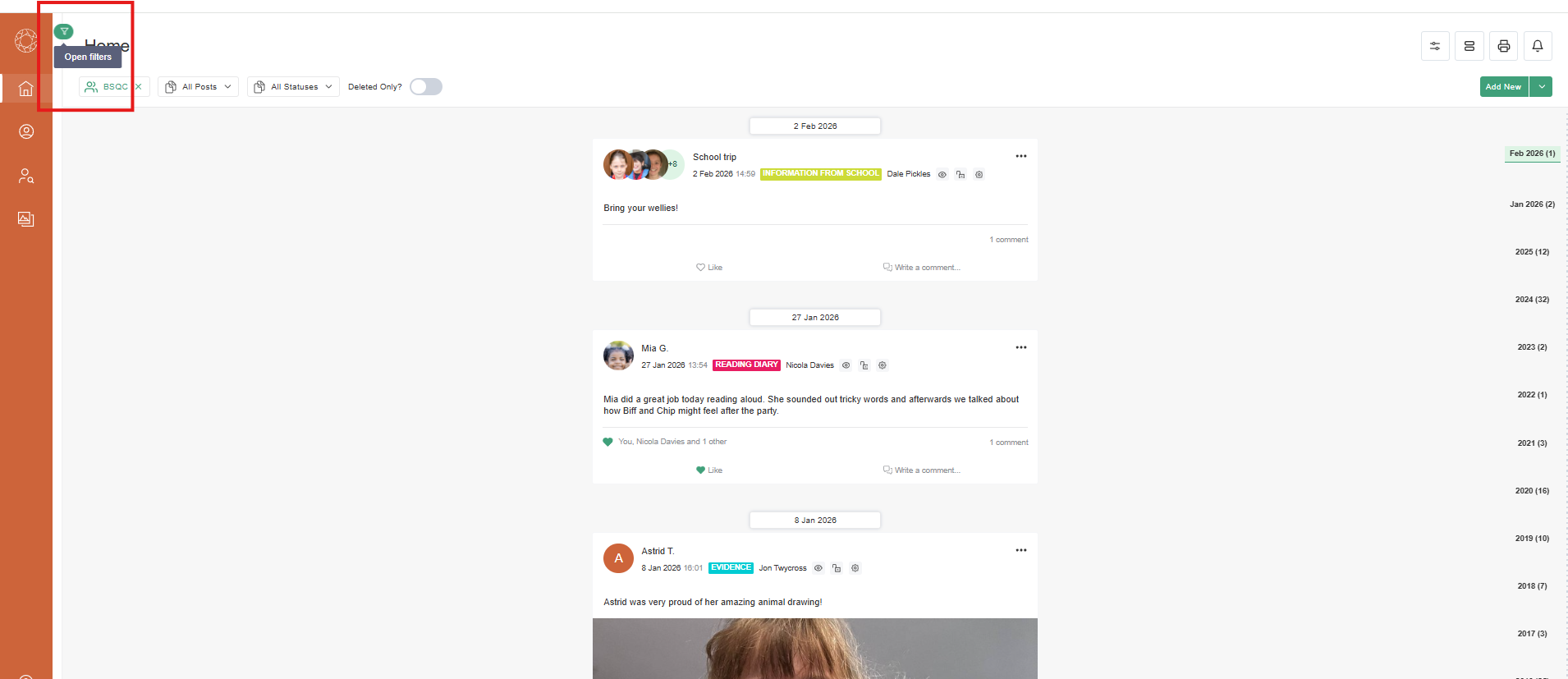
Advanced filter options include:
- Curriculum - to view posts linked to a specific framework, subject, profile, level and strand. When you filter by curriculum content, the feed will only show posts that have been linked to that curriculum area or the assessment points within.
- Tags - to view posts with specific tags. When filtering by multiple tags, the system uses an ANY rule. If you filter by Cognition and Learning (CL) and Communication and Interaction (CI), it will show posts with either of these tags. It does not filter to posts that are tagged to both.
- Privacy Groups - to view posts marked with a specific privacy level.
- Creator - to view posts created by a specific user.
- Date Range - to view posts created within a date range.
- Media Types - to view posts with photo, video and/or audio files.
You can use multiple filters at the same time.
